

June 5, 2012
 How can you take your best vacation photos?
Summer travels are some of the best times to capture memories you cherish. Even if you’re a novice, Angilee Wilkerson, photo editor for The North Texan, says you can make gorgeous photos without a lot of technical "know-how" or expense. She emphasizes the importance of keeping your subject close.
"A common mistake is to position your subject way off in the distance," she says. "Instead, bring the subject close to the camera. Remember, with a wide angle lens, you are still capturing the Grand Canyon whether your subject is a tiny spot in the distance or closer to the camera."
Keep it simple
- Don’t get burdened with too much gear or it’s hard to be spontaneous and relaxed as you traverse and explore.
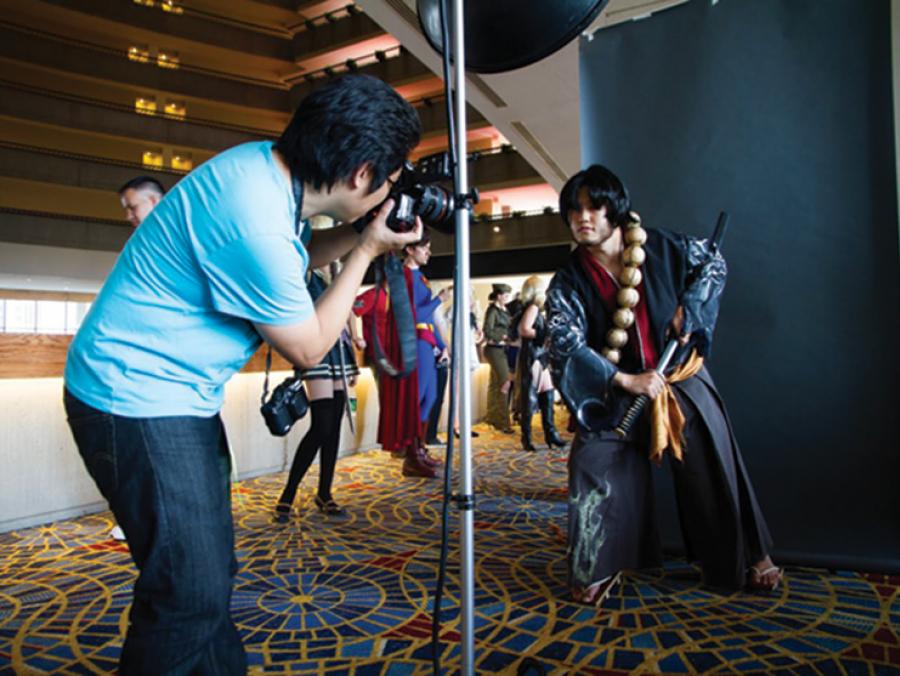
- For environmental portraits, use a wide to normal zoom lens so that you can capture the surroundings. If you’re using an SLR (single lens reflex) with a detachable lens and you know a little about shutter speed, take a light-weight tripod and remember anything slower than 1/60th of a second picks up camera blur.
- For point and shoot cameras, don’t worry about a tripod; your camera will know what to do in low light.
- Cultivate the habit of seeing everything your viewfinder is seeing. Spend a few moments looking, then adjust your position to capture what you want.
Framing and lighting
- Establish your focal point. Look for ways to direct the eye to it through pattern, leading lines and color.
- Make your image sing. Shoot landscapes at "magic hour" — about an hour before the sun arrives or sets. The light will be warm in hue and less harsh.
- When shooting people in high noon sun, set your camera to "forced flash" to fill in shadows on their faces.
Technical points
- For best reproduction, set resolution to large and jpg fine.
- Learn how to use your auto focus — your focal point doesn’t have to be bullseye center every time. You can select auto spot focus in your settings.
- "White balance" means color temperature. Use the auto white balance setting for accuracy.
- Avoid removing your memory card or lens while the camera is on.
- Keep the ISO, a measure of the camera’s light sensitivity, under 800. The higher the ISO, the more digital noise, or grainy speckles on the image.